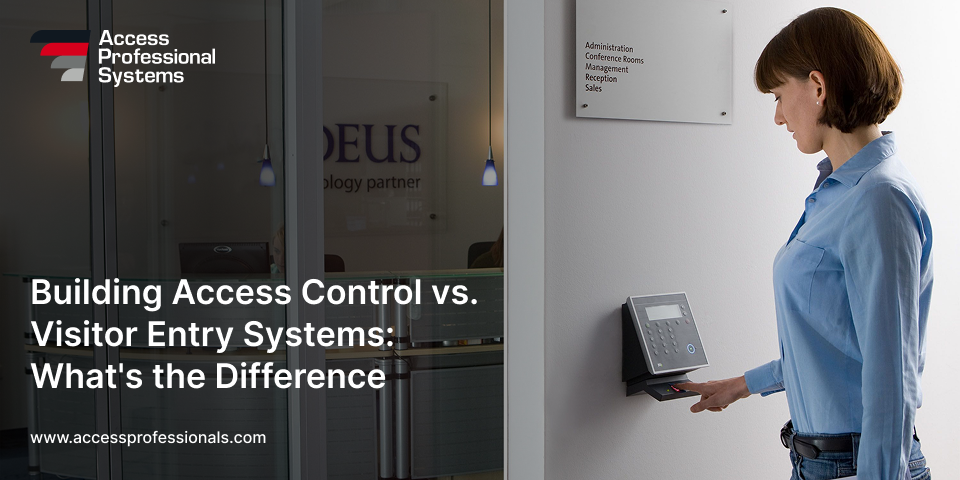
What Is a Key Card and Key Fob Access Control System?
In an era where security extends beyond locks and keys, modern access control systems are becoming the standard for businesses, residential communities, and public institutions. Among the most widely adopted solutions are key card entry systems and key fob access control systems. These technologies help manage who enters a building, track movement within a facility, and enhance overall safety – all while simplifying everyday operations.
Whether you’re exploring your first security upgrade or replacing outdated equipment, understanding how card access systems work and why they’re widely used can help you make informed decisions.
Understanding Card Access Control Systems
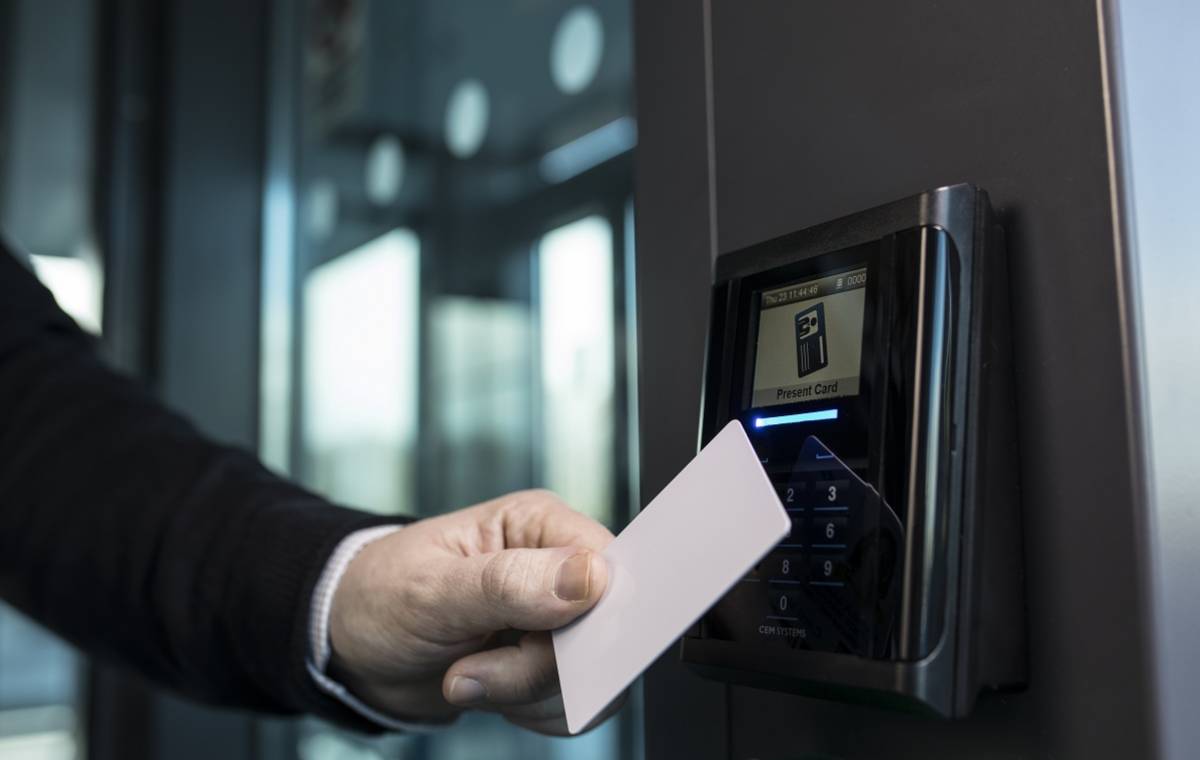
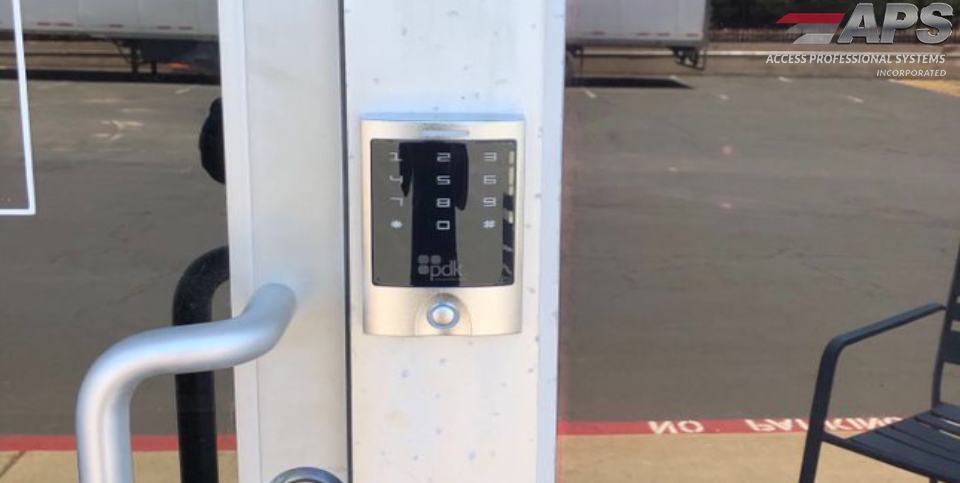
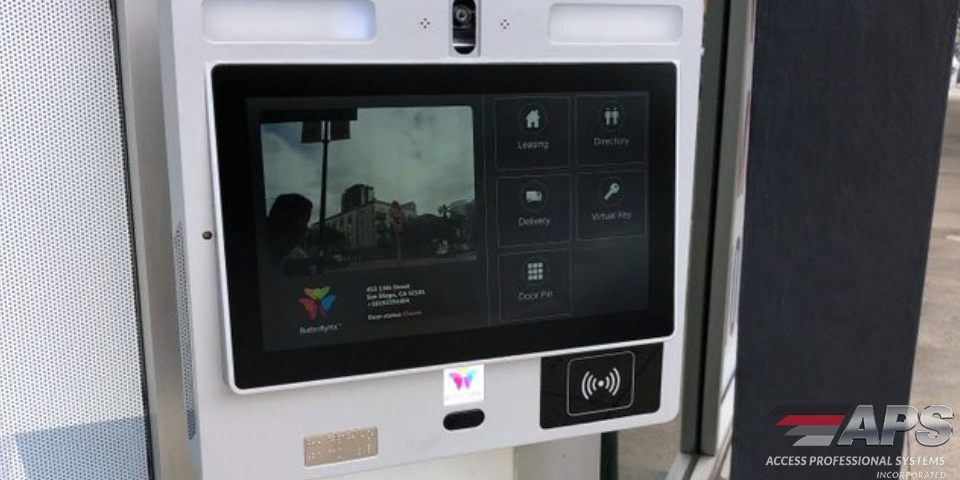
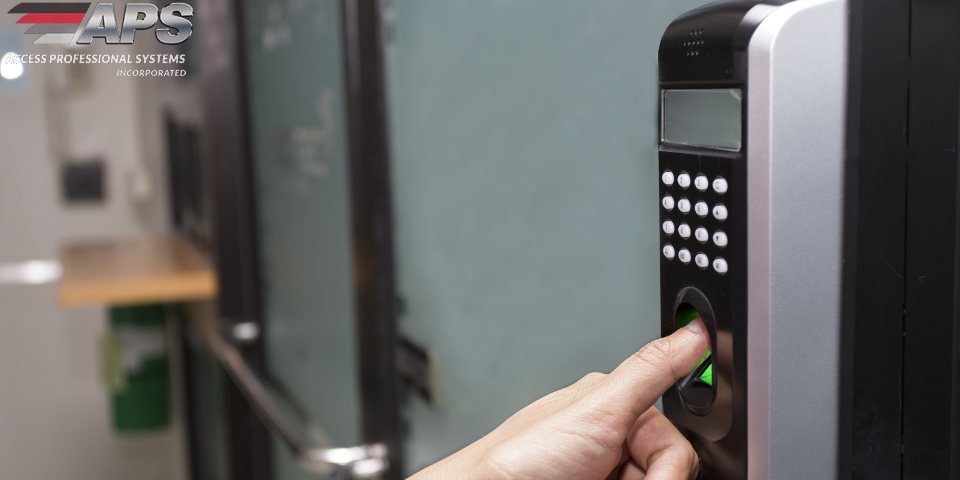
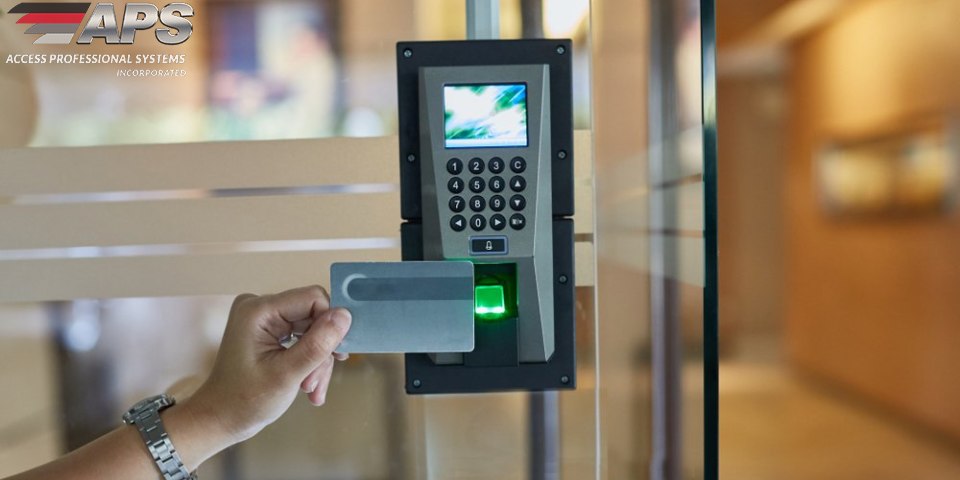
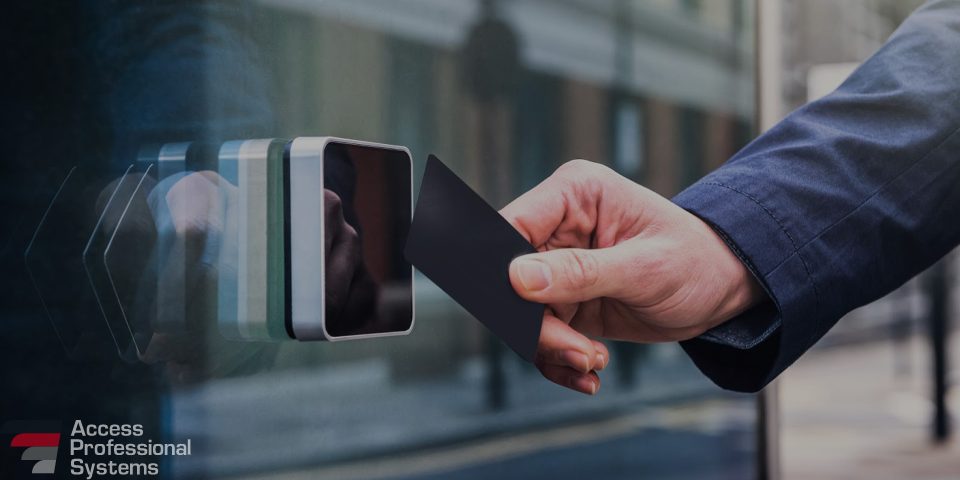
A card access control system uses electronic credentials – like proximity cards, fobs, or even smartphones – to grant or restrict access to buildings or specific areas. Unlike traditional keys, these credentials are programmable, trackable, and easy to manage. A reader scans the card or fob, communicates with a control panel, and determines whether to unlock the door based on the user’s permissions.
Common credential types include:
- Proximity Cards – Contactless cards with embedded RFID chips
- Key Fobs – Compact, durable tokens often kept on a keychain
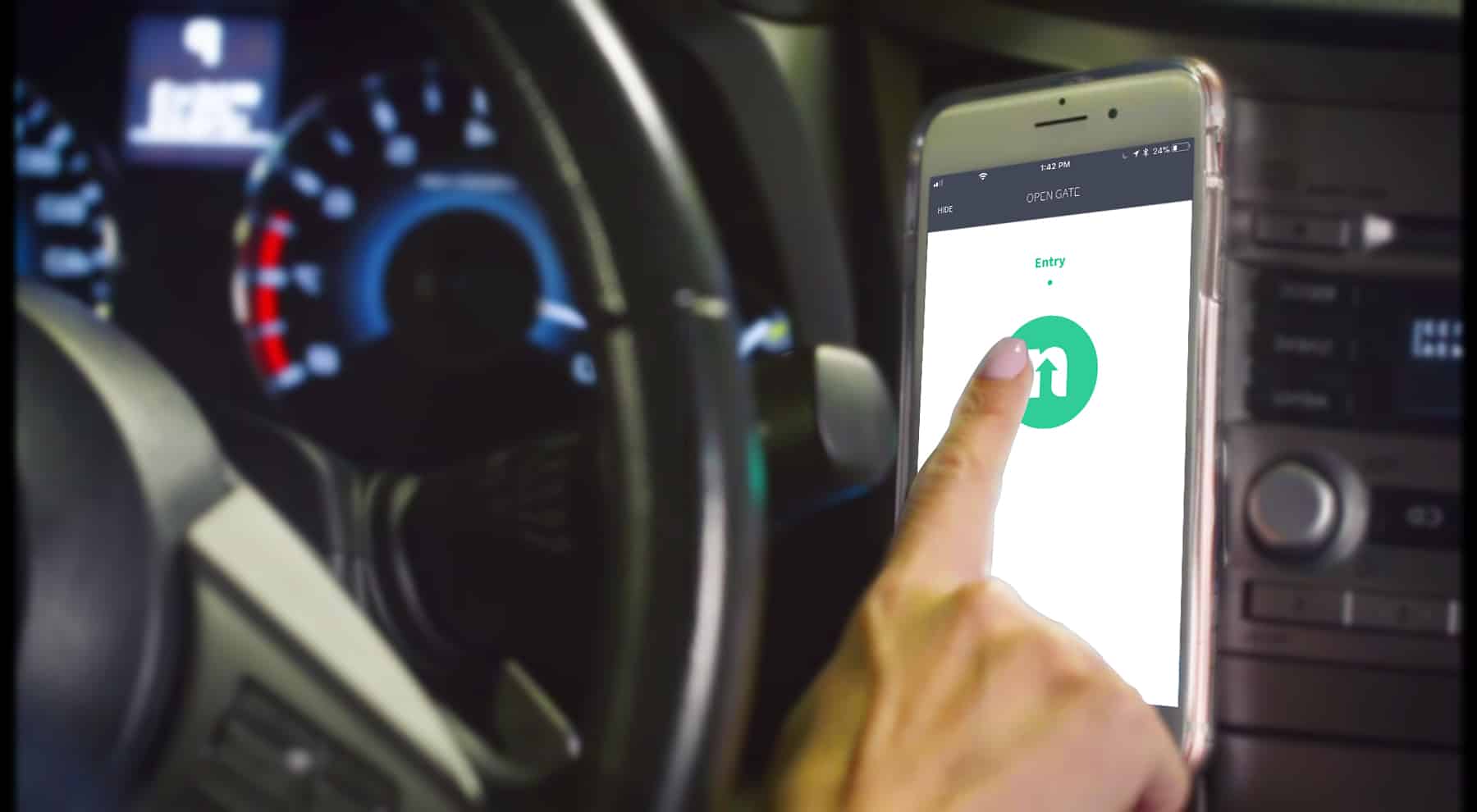
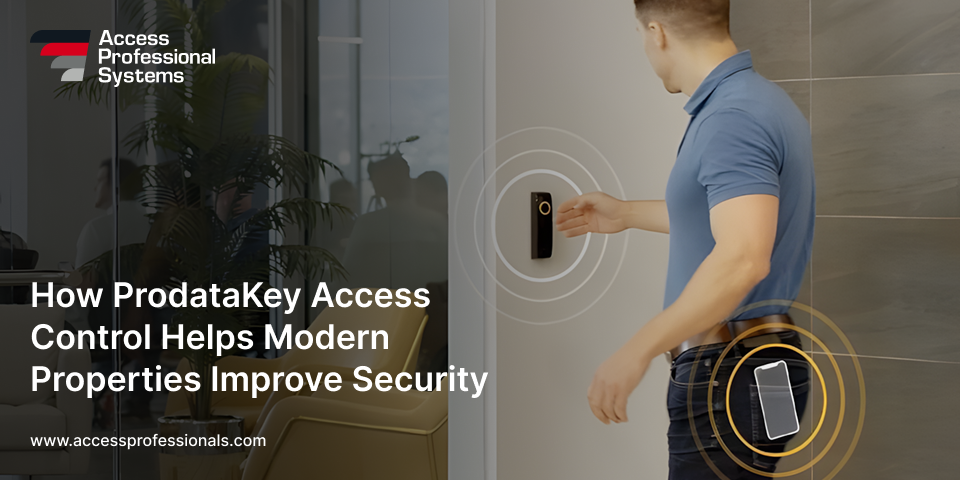
- Mobile Credentials – Smartphone-based digital passes, increasingly popular for touchless access
Why Organizations Are Switching to Electronic Access
Data-Driven Decisions
Switching to a key card door entry system isn’t just about convenience but control and security. Consider these recent stats:
- According to the FBI, over 2.1 million property crimes occurred in the U.S. in 2023.
- Physical security breaches cause businesses an average annual loss of $3.86 million (Ponemon Institute).
- HID Global reports that 54% of organizations updated their access control systems in the past two years to meet modern security needs.
These numbers point to a clear trend: organizations invest in smarter, more trackable ways to manage physical access.
Benefits of Key Card and Fob Entry Systems
1. No Physical Rekeying
If an employee loses a fob or leaves the company, their access can be revoked instantly—no locksmith required.
2. Detailed Audit Trails
Every entry is logged and timestamped, offering transparency for compliance, audits, and internal investigations.
3. Flexible Access Permissions
Permissions can be tailored by role, department, building, or time of day. Some systems also allow for temporary access—for contractors or guests—without compromising permanent user data.
4. Scalable Infrastructure
Modern card key access control systems can start with one door and scale to multi-site operations. Features like cloud-based control panels and mobile credentials make remote management easier than ever.
Where These Systems Work Best
Card access systems are used in nearly every industry, from hospitals to office complexes. Here’s a snapshot of common use cases:
Healthcare – Secure pharmacy access, patient data zones
Education – Lockdown capability, restricted labs/classroom
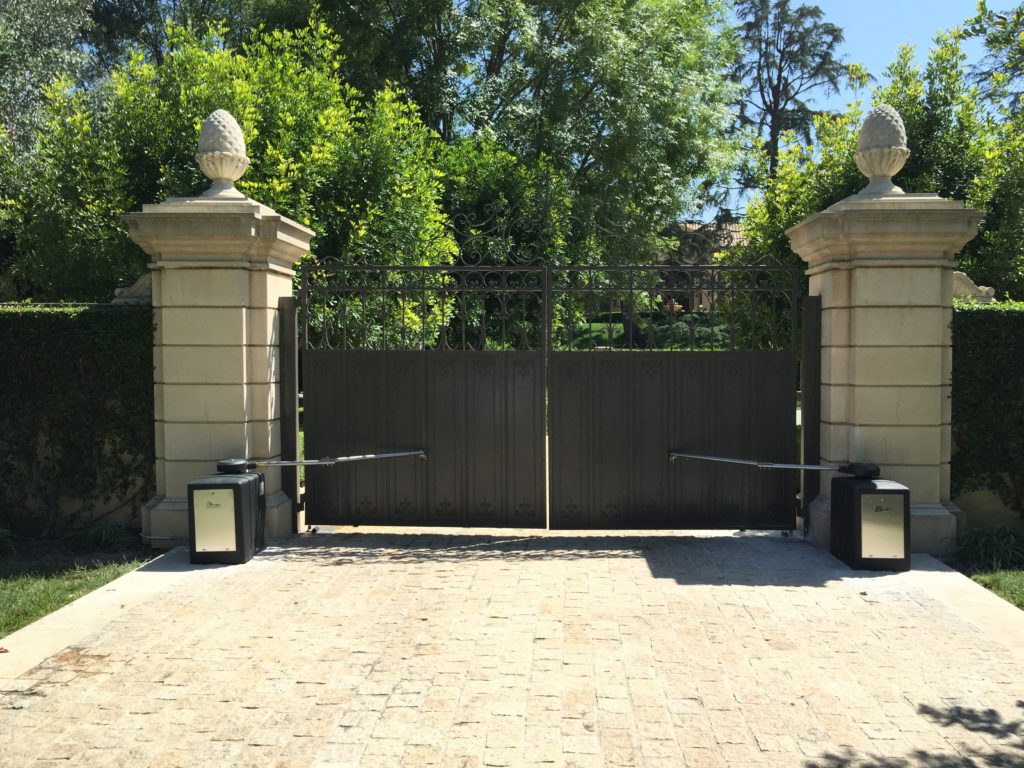
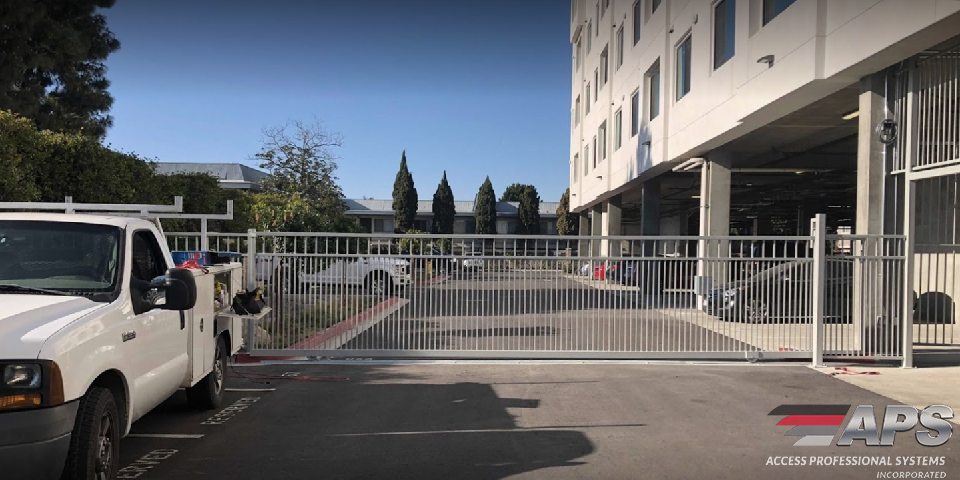
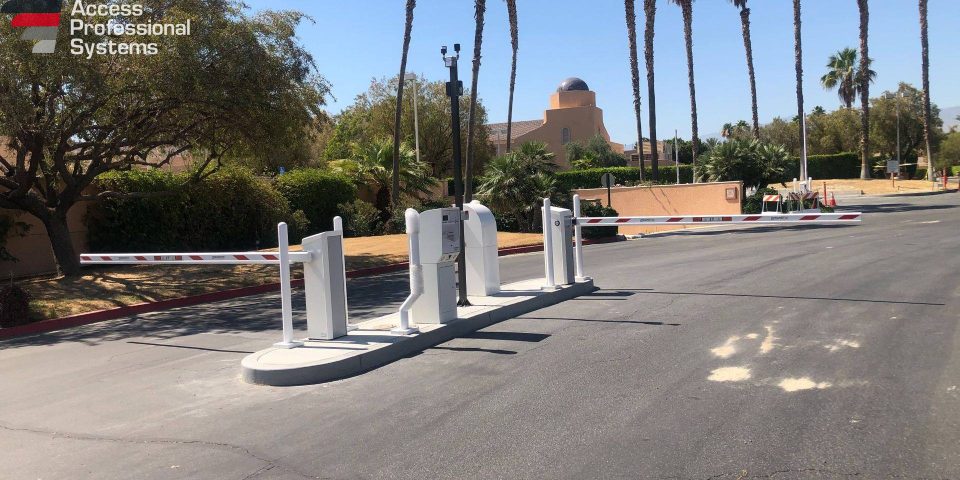
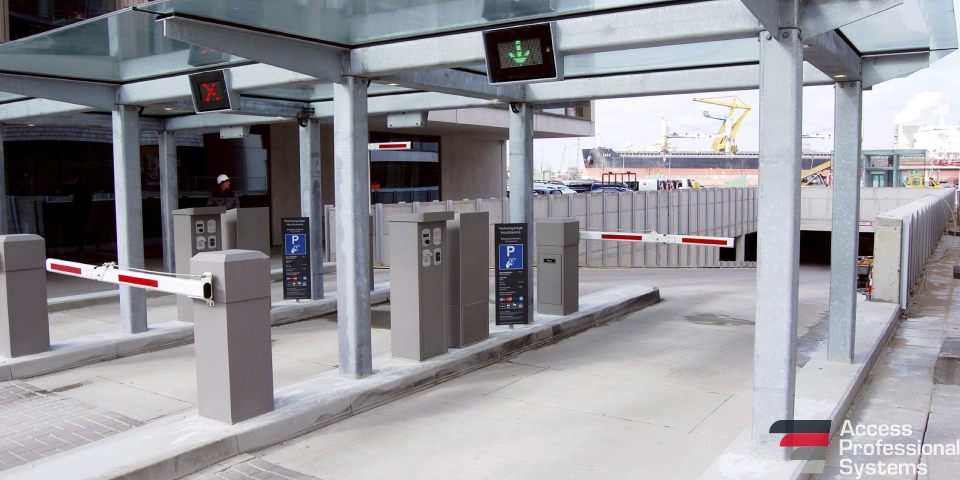
Residential Complexes – Gated entries, mailroom security, parking control
Retail – Stockroom and back-office access, loss prevention zones
Corporate Offices – Role-based entry across departments/floors, guest management
These systems are also increasingly used in logistics and warehousing to secure docks, storage areas, and time-sensitive inventory, helping companies comply with insurance and industry regulations.
Choosing the Right System
If you’re evaluating providers or planning a new installation, consider the following features when selecting a system:
- Remote Access Control – Manage entries and permissions via cloud platforms without being on-site.
- Mobile Integration – Let employees and residents use their smartphones instead of physical cards or fobs.
- Event Logging and Reporting – Easily generate reports for security audits, HR inquiries, or compliance checks.
- Emergency Lockdown – Instantly secure all access points in the event of a threat or emergency.
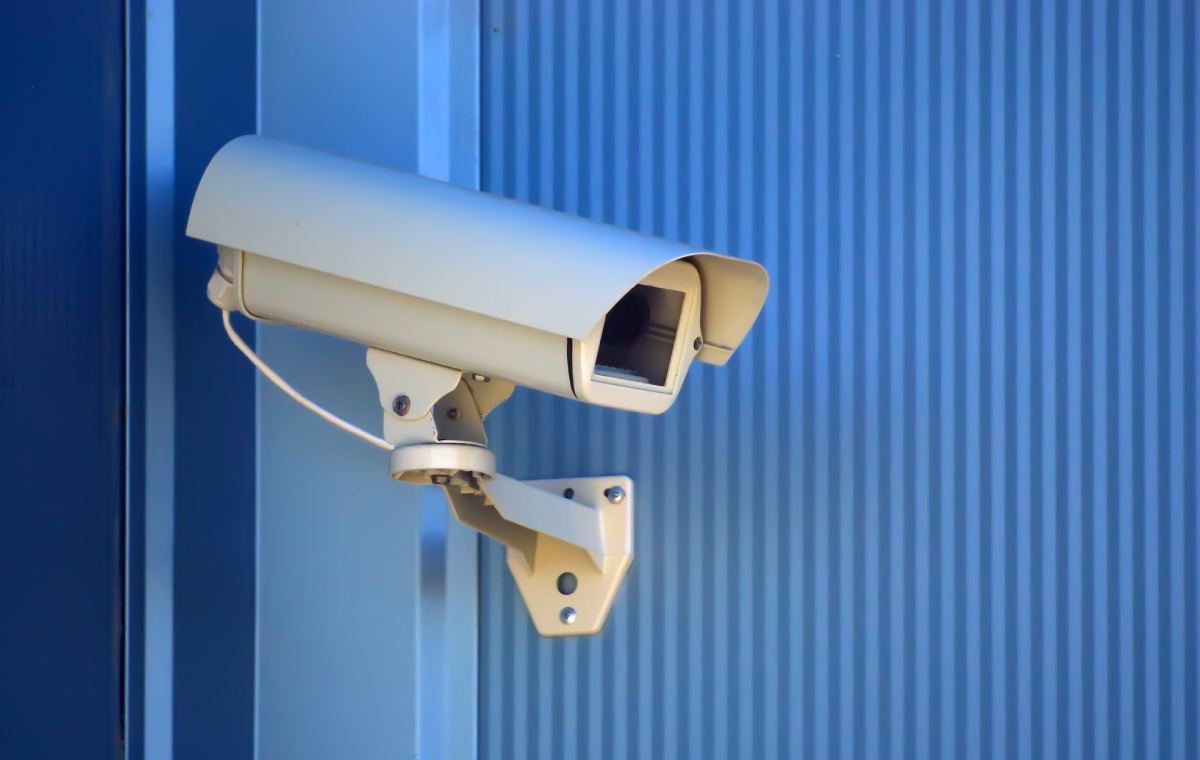
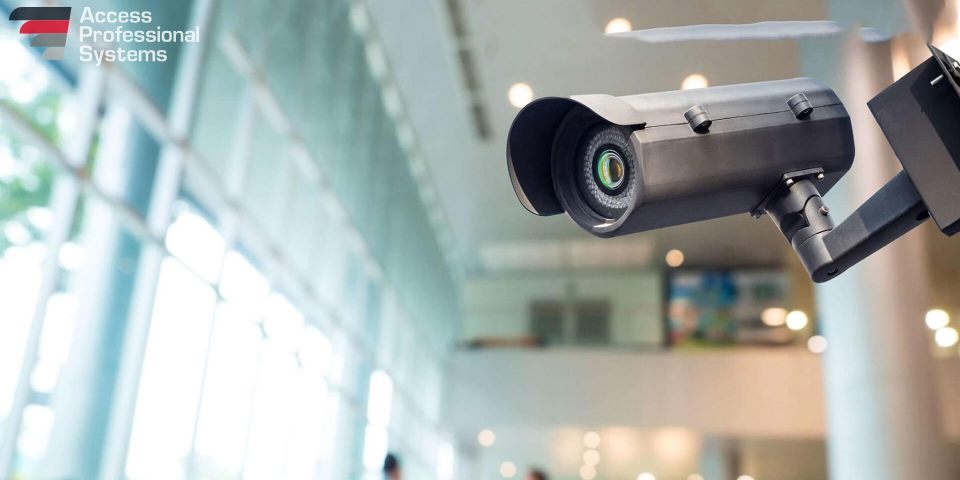
- System Integration – Sync with surveillance, intrusion detection, visitor management, and intercom systems for a comprehensive solution.
- User Management – Look for role-based management tools that simplify onboarding, credential expiration, and scheduled access.
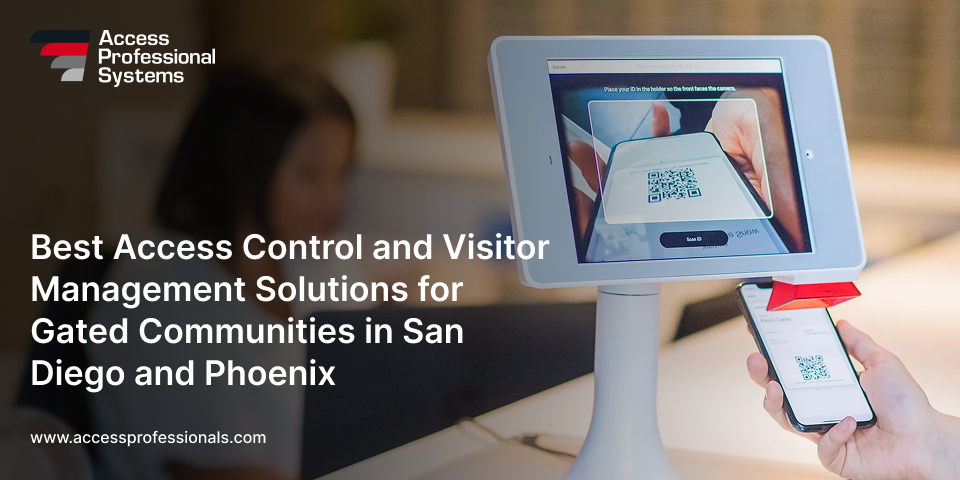
- Visitor Passes – Some systems allow QR code-based guest passes that expire after a set time, improving convenience and safety.
When comparing vendor partners, it’s also worth considering future needs. A good card access control system should support firmware updates, offer API integrations, and provide responsive support to keep your system up-to-date and secure long-term.
Final Thoughts
Card-based access systems – whether through fobs, cards, or mobile credentials—offer a smarter, more adaptable way to protect buildings and manage traffic. They reduce risk, streamline operations, and offer a level of control that traditional locks simply can’t.
If you’re considering a system for your property and want help from a trusted, experienced provider, Access Professional Systems offers tailored solutions backed by decades of hands-on experience in access control, gate automation, and integrated security technologies.
Explore your options or speak with a specialist today at accessprofessionals.com.
Frequently Asked Questions
1. What’s the difference between a key card and a key fob?
Both use the same chip technology and work with the same readers. The difference is the shape. A key card is flat and wallet-sized, and it can double as a photo ID badge. A key fob is a small, durable token that sits on a keychain, so it’s harder to lose and better at handling daily wear.
2. What should I do if my key card or fob is lost or stolen?
Report it to your property manager or system administrator right away. They can deactivate it in the software within minutes, and once it’s deactivated it won’t open any door, even if someone finds it. A new credential can then be programmed and issued. There’s no need to rekey locks the way you would with lost metal keys.
3. Can key cards and fobs be copied or cloned?
Older 125 kHz proximity cards can be copied fairly easily with cheap cloning devices. Newer encrypted smart cards and mobile credentials are much harder to duplicate. If your property still uses older proximity cards, upgrading to encrypted credentials is one of the best security improvements you can make.
4. Why isn’t my key card or fob working?
Common causes include:
- The card was deactivated or has expired.
- Your access schedule doesn’t allow entry at that time.
- The card or fob is damaged.
- The reader is dirty or offline.
Try holding the card flat against the reader for a second. If it still fails, your administrator can check the system logs to find the problem.
5. Do key fobs need batteries?
Most access control cards and fobs don’t need batteries. The reader powers the chip when you hold it close, which is why these credentials can last for years. The exception is remote-control fobs used to open vehicle gates from a distance, which run on small replaceable batteries.
6. What happens to the doors if the power goes out?
Doors can be set to stay locked (fail-secure) or to unlock (fail-safe) during an outage. Fire codes often require certain exit doors to unlock. Many systems also include backup batteries, so the doors keep working through short outages. A professional installer will choose the right setting for each door.
7. Can I add key card access to my existing doors and gates?
Yes, in most cases. Existing doors, gates, and parking entrances can usually be fitted with readers and electric locks without replacing the doors themselves. A site survey confirms what hardware and wiring you’ll need. You can start with one entrance and expand later.
8. Can my phone replace my key card or fob?
Yes, if your system supports mobile credentials. You simply tap your smartphone on the reader or open the door through an app. Access can be sent or revoked remotely, which makes it easy to manage. Many properties also keep physical fobs available as a backup.
Share: